Telephones not working ? - try a telephone controller reset.
Telephones in our stores are provisoned in a few different ways.
1.
If your store has an older black Telstra branded modem router that looks like this,
then your phones are of the DECT variety and this Telstra box also provides your telephone lines as well as WiFi and Internet access. Often if your phones are not working then powering off this box then powering it back up will get them going again. Be warned that powering down this box will also temporarily stop the Intenet (Pronto) so please only try this when your store is customer free. Please close Pronto down on all PC's before power cycling this box. * It can take 5 - 10 minutes for this box to completely reboot.
2.
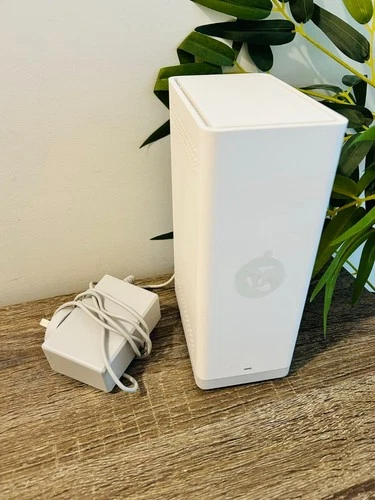
If your store has either of these modem router boxes then you have a seperate telephone controller.
The telephone contoller typically looks like this and is usually branded either Grandstream or Yealink
You can remove the cable to this box then reconnect it to reset your telephone connection. It will take a couple of minutes to reboot.
Related Articles
Brother Printer Drum replacement
The Brother MFC-L27xxDW black and white laser multifunction printers are designed with the toner and imaging drum as separate parts. The idea is that the drum unit does not have to be replaced as much as the toner. The imaging drum should last 30 000 ...